 Clink & Think
← Home
Clink & Think
← Home
How to play
Two gestures is all a child needs. Everything else is discovery.
No reading required in the app — this page is for the grown-up sitting alongside.
The whole game, in three moves
Every mode is built on the same simple handling, so a child who learns one mode already knows them all.
Drag a marble in
Press a marble in the tray at the bottom and drag it over a glass tube. Let go — it drops and stacks up from the bottom with a clink.
Tap a tube to pour
Tap any filled tube and it tips over and empties. That's the undo — nothing is ever lost or wrong, just pour it out and try again.
Match, and celebrate
There's no button to press and nothing to submit. The moment the tubes match, confetti, sparkles and a chime arrive on their own.
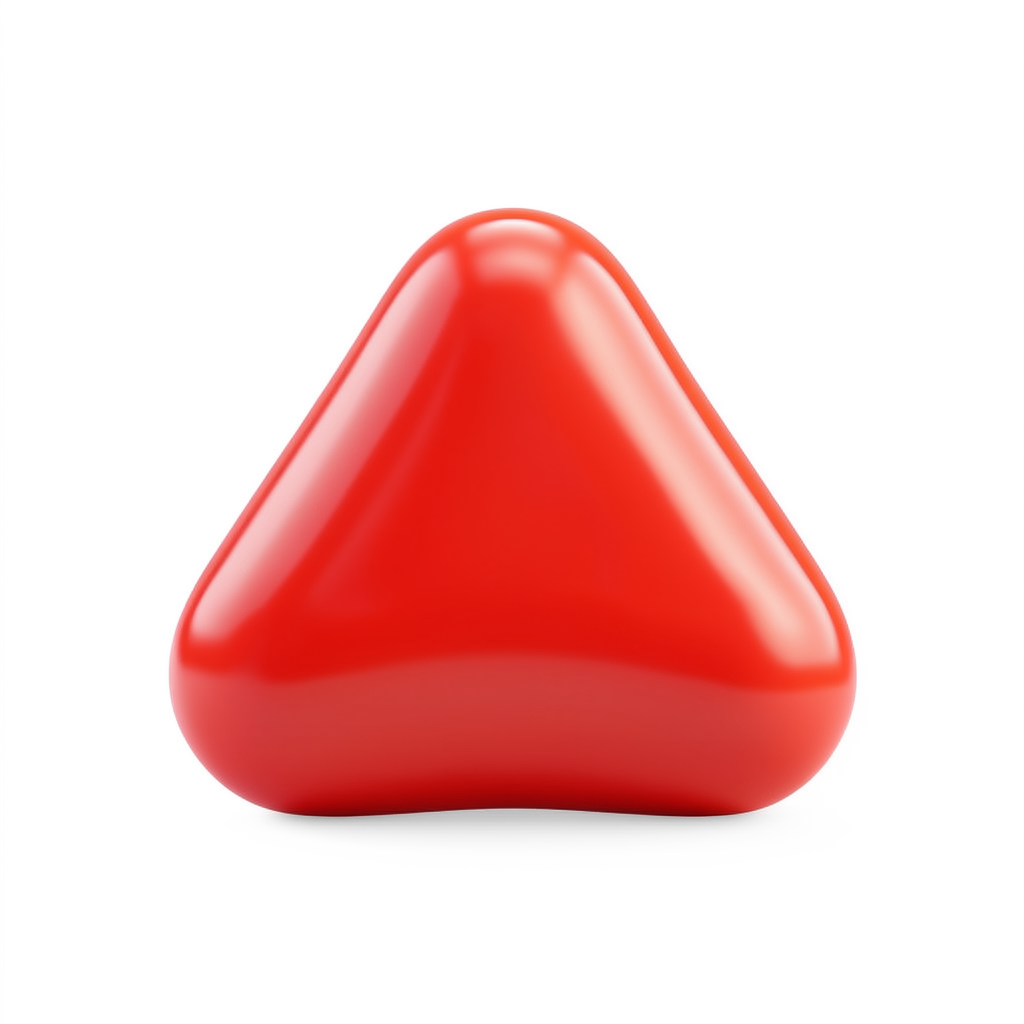 Red
Red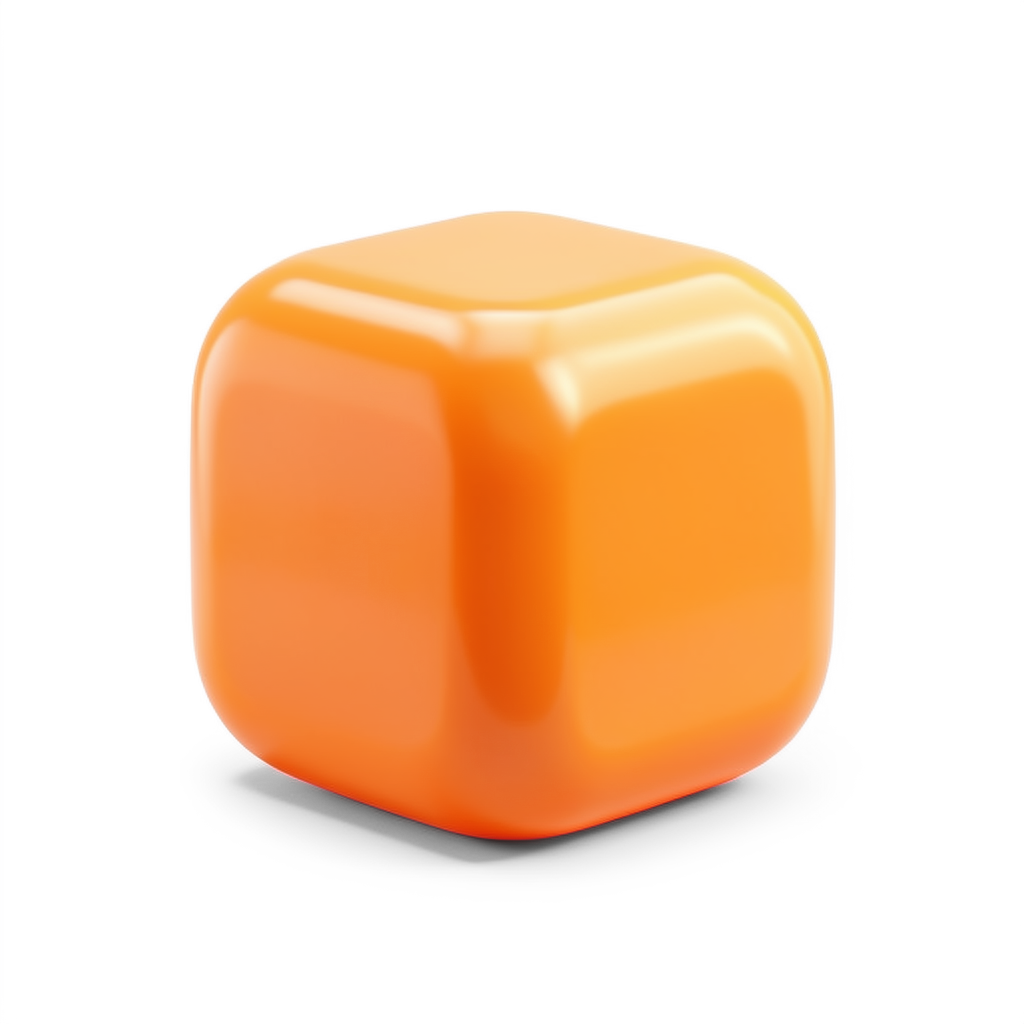 Orange
 Yellow
 Green
Green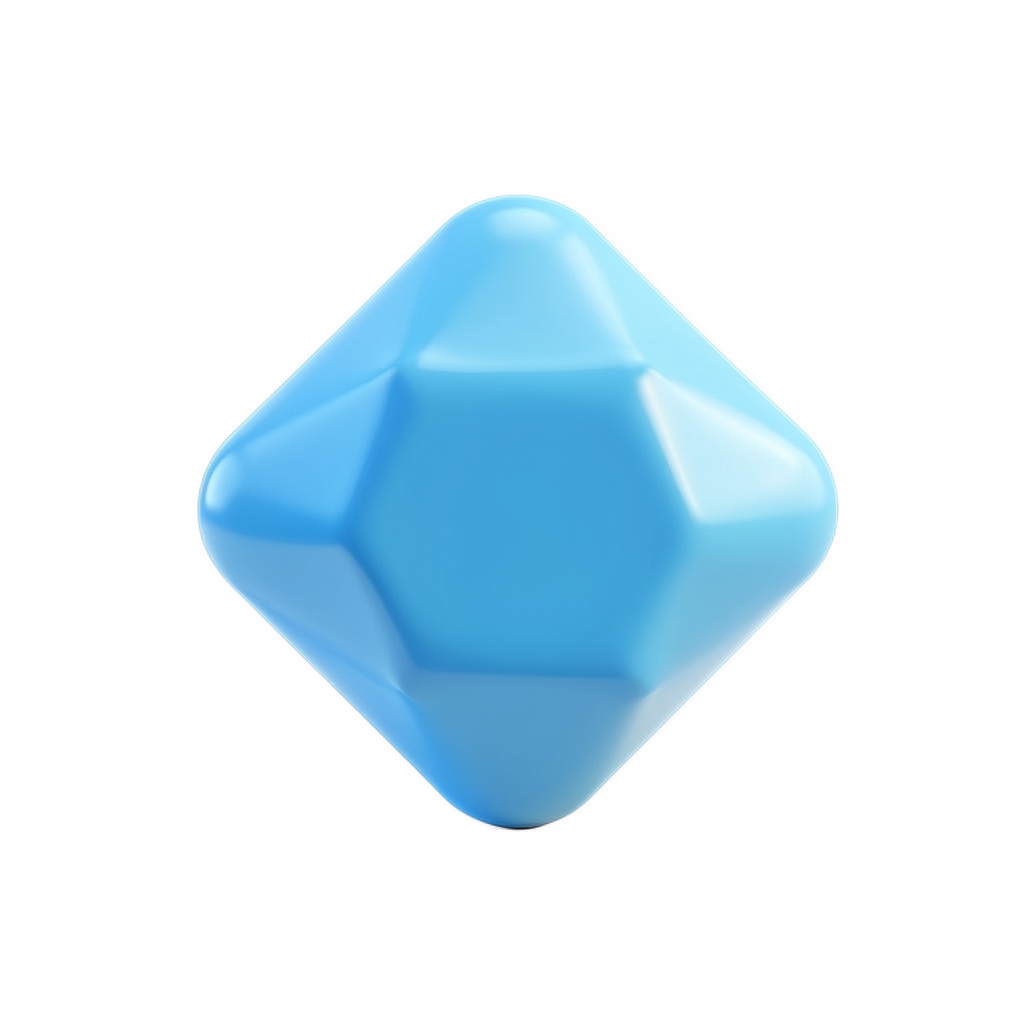 Blue
Blue Purple
Every colour also carries its own shape, so the game plays the same for colour-blind children.
The nine modes, step by step
Free Play, Learn, Pattern and the first Adventure world are free. The rest come with the one-time Full Unlock.
Free Play
FreeA sandbox with no goal, no card and no way to lose. The best place to start.
- Drag any marble from the tray into any tube.
- Fill the tubes however they like — stripes, one colour, a jumble.
- Tap a tube to pour it out and start again.
Learn
FreeA friendly voice asks for a number of a colour in a particular tube — counting, colour names and left / middle / right, all in one.
- Listen: "Put three red marbles in the middle tube." The prompt is spoken and shown.
- Drag that many of that colour into that tube.
- Get it right and you're praised, then the next prompt arrives. Miscount? Pour and retry — nothing is marked wrong.
Pattern Play
FreeA string of beads with the end missing. Spot the repeat and keep it going — the classic pre-maths patterning skill.
- Look at the row: something like red · blue · red · blue · …
- The last few slots are empty. Drag the colour the pattern calls for into each blank.
- Fill every blank correctly and a new pattern is served.
Adventure
World 1 freeA map of nine little worlds — a Playroom, a Truck Yard, a Castle Keep, a Rescue Bay and more — strung together as 56 short levels.
- Tap the glowing tile on the map. That's the next level.
- Play the puzzle it hands you — each world is built around one mode.
- Win, and the path lights up to the next tile. Stickers arrive along the way.
- Clear a whole world and it hands over its marble theme — fruit, animals, dinosaurs, space, cars, trucks and more — usable everywhere in the game.
Challenge
Full UnlockA recipe card appears above the tubes. Build exactly what it shows.
- Read the card: each column of dots is one tube, bottom marble at the bottom.
- Drag marbles in so every tube matches its column — right colours, right order.
- Wrong stack? Tap that tube to pour it out and rebuild it.
- The instant all tubes match, the celebration fires by itself.
Sort
Full UnlockThe tubes start scrambled. Tidy them until each tube holds a single colour. This is the one mode where marbles move between tubes.
- Drag the top marble off a tube.
- Drop it on an empty tube, or on a tube whose top marble is the same colour.
- Any other drop simply bounces back — an illegal move can't be made by accident.
- Keep going until every tube is one clean colour.
Memory
Full UnlockChallenge, but the card hides itself. Look, remember, then build it blind.
- The card is shown for a moment — the voice says “Look and remember!” — then a cover slides over it and it says “Now build it!”
- Build what you remember with the marbles.
- Forgotten it? Tap the covered card for a two-second peek (“Quick look!”). Peek as often as you like — there's no penalty and nothing is counted.
- Filled every tube but it doesn't match? A gentle “Not quite! Take another look.” — said once, never nagging. Tap a tube to pour it out and try again.
- Match the hidden card and you hear “You remembered!” with the celebration.
Color-Mix
Full UnlockA beaker and a target colour. Work out which colours make it — real subtractive colour mixing, the first bit of proper STEM in the game.
- Look at the target swatch — say, orange.
- Drag the ingredient colours from the tray into the beaker.
- Two primaries make a secondary (red + yellow = orange). A primary plus a neighbouring secondary makes a tertiary. All three primaries make brown.
- Hit the target and the beaker fills with the colour they just invented.
Decorate the Playroom
Full UnlockNot a puzzle — a reward. Every sticker earned in the Sticker Book can be placed in a room of their own.
- Open the Playroom from the home screen.
- Pick a sticker you've earned and drag it anywhere in the room.
- Move it, or take it back out, whenever you like. It stays exactly as they left it.
Picking the right difficulty
Set it on the home screen, above the modes. It's not a score — pick the one that keeps the play calm.
For the grown-up
The things a child never has to think about — all behind a parental gate.
Still have a question? See Support & FAQ or email dev@peltriaux.com.