Pulse
A network toolbox for iPhone, iPad and iPhone Duo, built for the people who get asked why the network is slow.
View on the App Store Free to download. Every network test is free; Pulse Pro adds Web check and the rest.What it does
Thirteen tools that measure a network and then tell you what the numbers mean, and a widget and a Live Activity that keep the answer in view. Every run is kept, and every run is judged again — against today's thresholds — each time you open it.
What it looks like
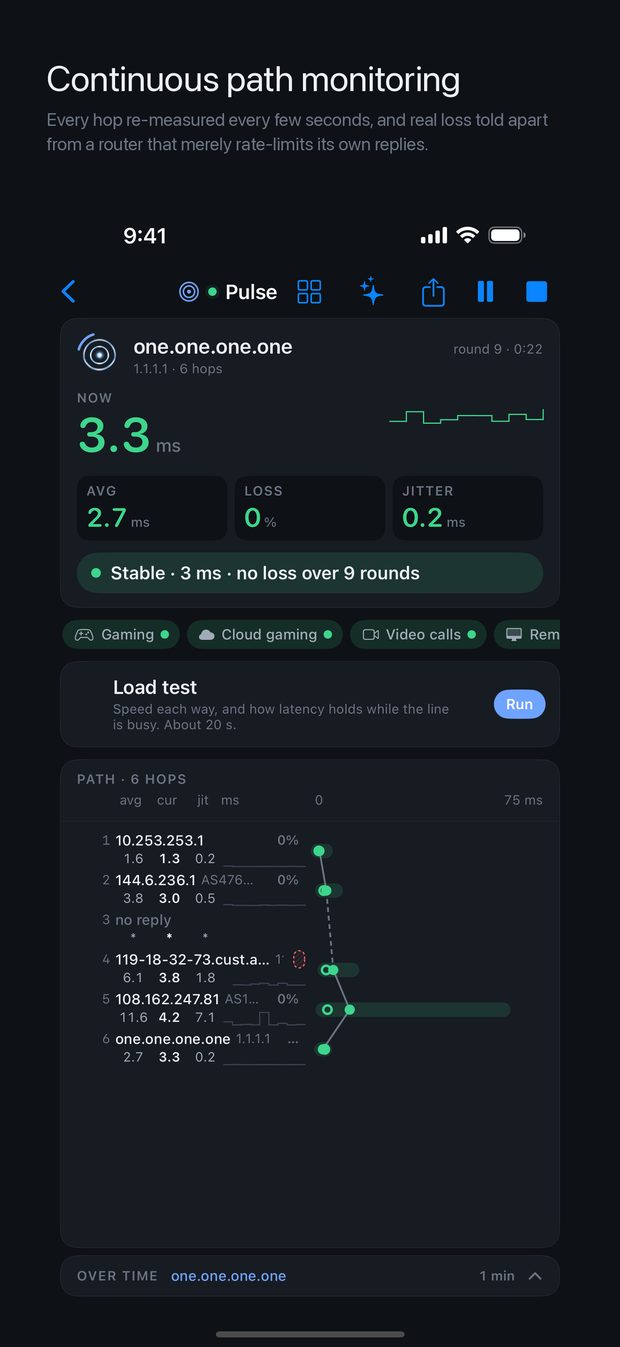
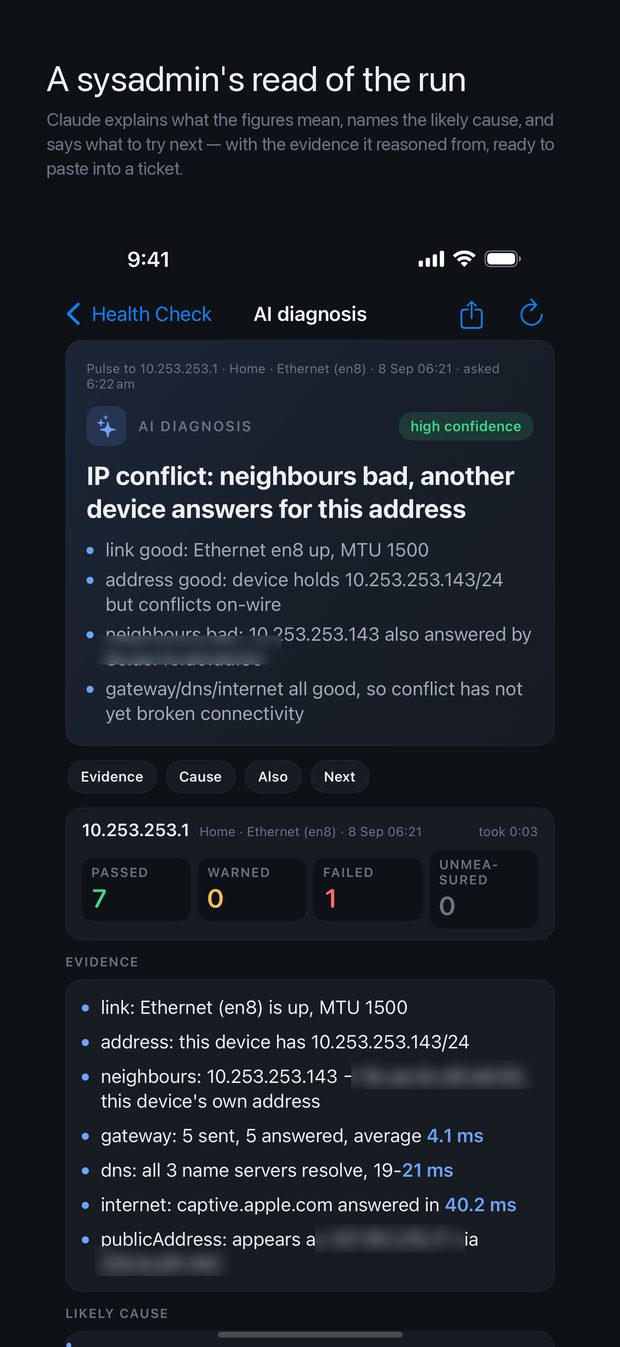
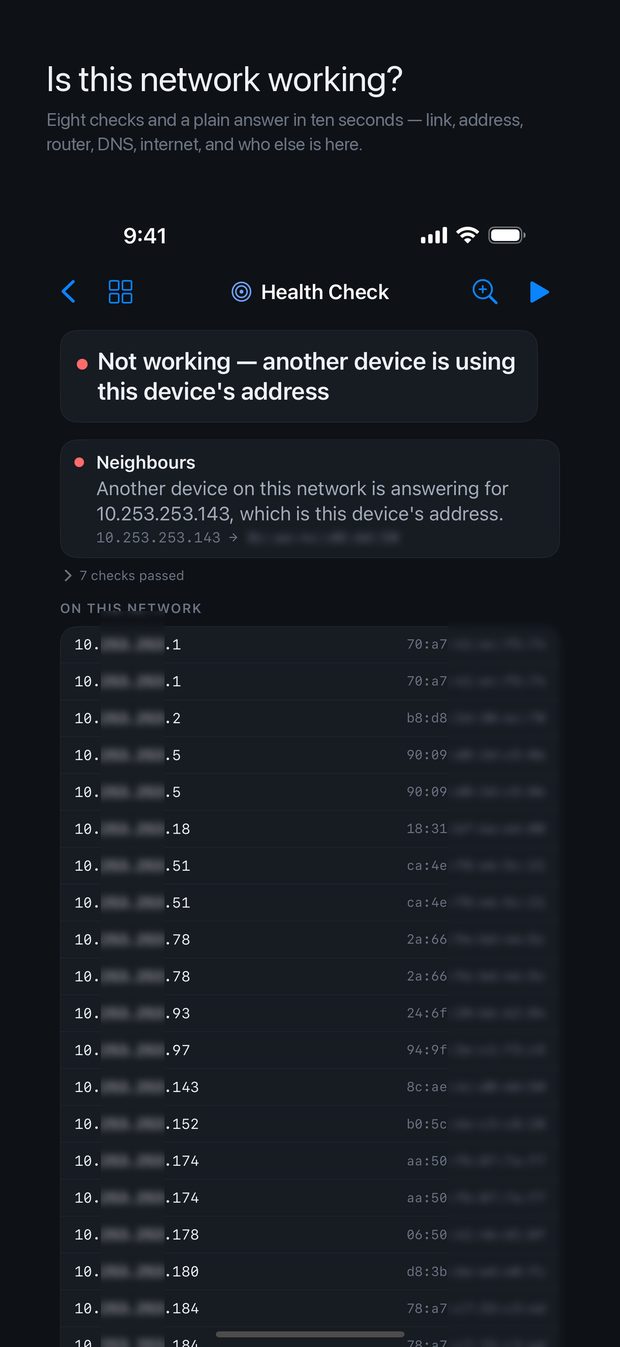
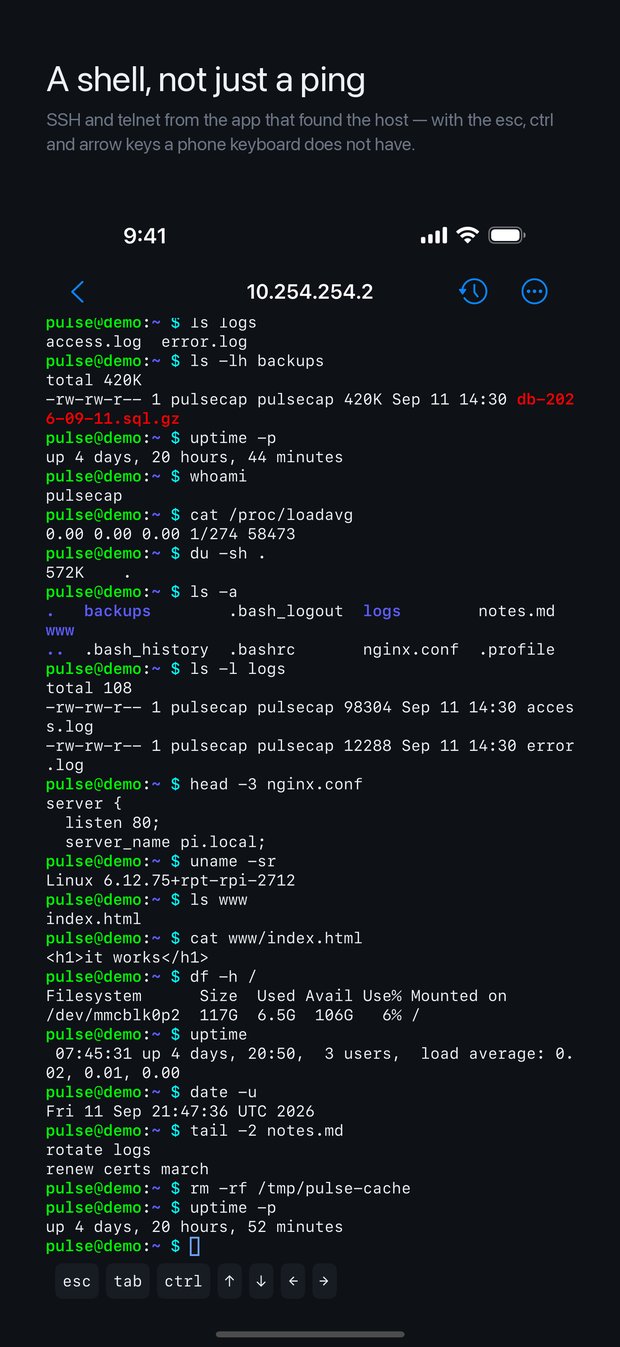
Made for iPhone Duo
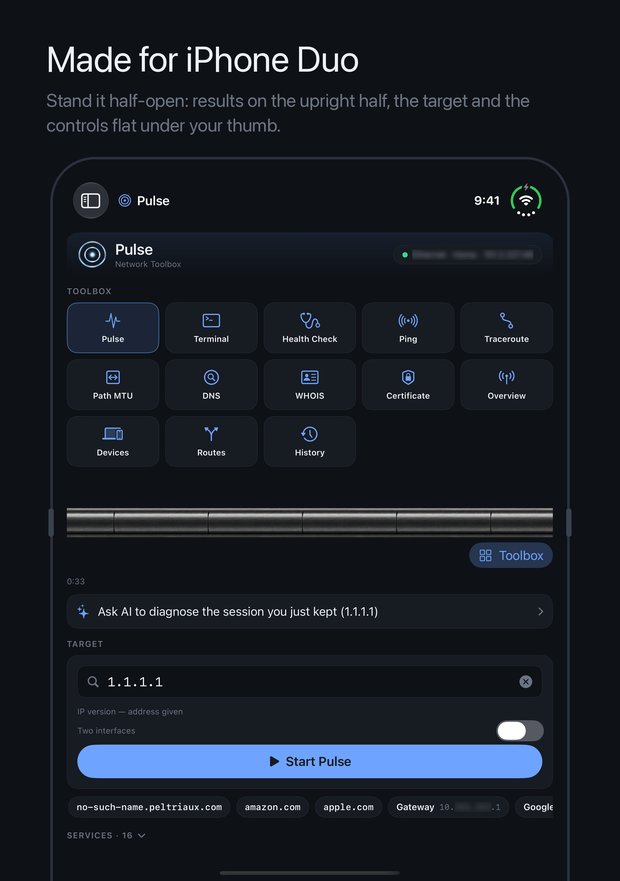
Stand an iPhone Duo half-open, like a small laptop, and every tool splits at the fold: the path, the graphs and the reports on the standing half; the target, the controls and the keyboard on the flat half, under your thumb. Before you start, the standing half shows every tool and the sessions running now. A row just under the fold takes you back, or straight to the toolbox, from any screen. Open flat, Pulse uses the whole screen, with the toolbox beside your results. How it works.
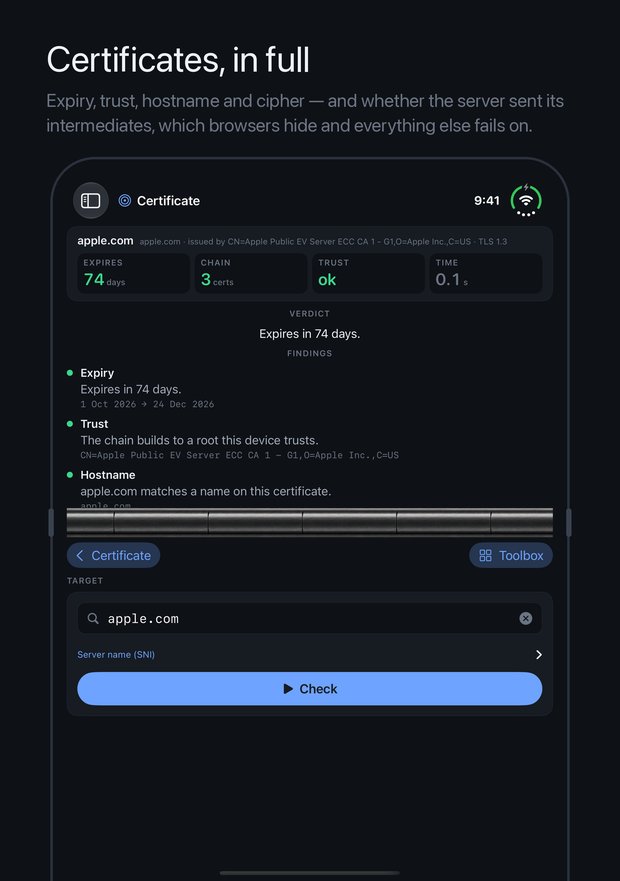
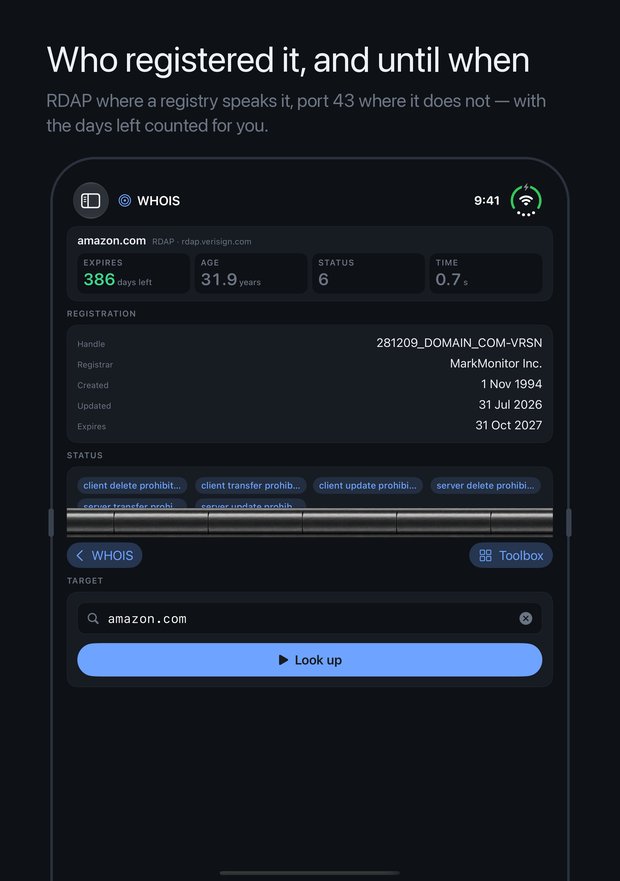
A minute with Pulse
Also on YouTube.
The part other tools skip
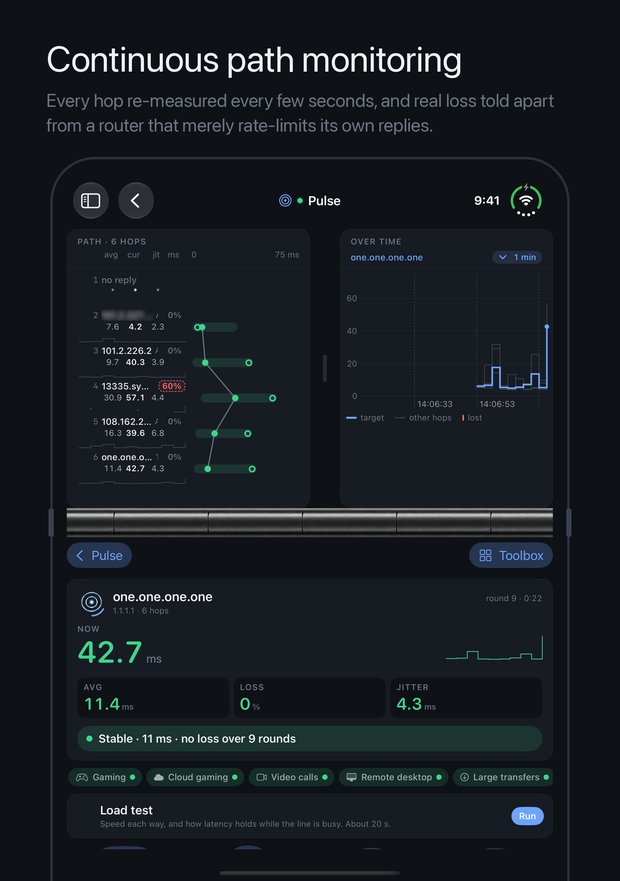
When a hop reports loss, there are two different things that can be happening: the router is dropping traffic, or it is passing traffic along perfectly and merely rate-limiting its own ICMP replies. One is a fault on your path. The other is a router doing exactly what it is configured to do.
Every comparable tool paints both red. Pulse tells them apart, and says which it found.
How to read what it tells you
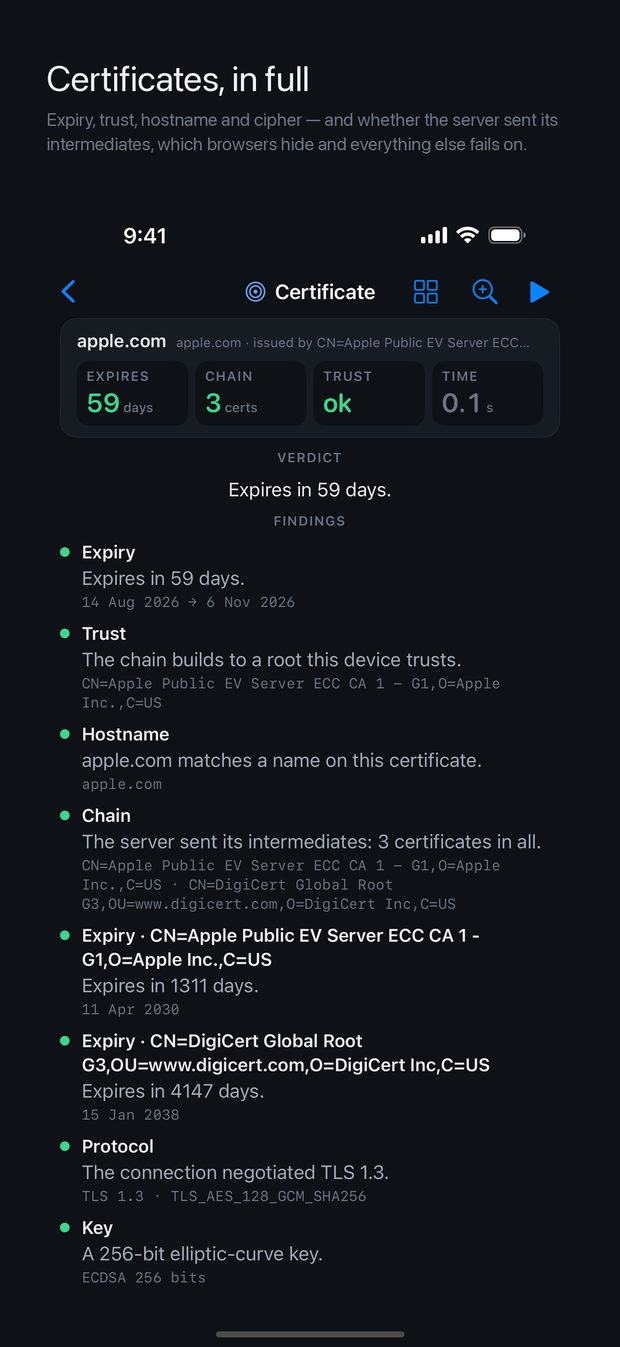
Pulse makes judgements — which hop is at fault, whether a certificate will outlive your maintenance window, whether a name server that is not answering matters. The manual gives the rule behind each one, so you can disagree with it knowingly.
Pulse Pro
Every network test is free, and so is the history of the last seven days. Pro adds an AI reading of a run written for a ticket, a link test between two of your own devices, two interfaces — or IPv4 and IPv6 — measured side by side with each side named and coloured, comparison of saved sessions and of a session someone shared with yours, picture and CSV export, full history synced through your own iCloud, terminal sessions that stay open while you work elsewhere, a searchable history of every command you ran on every host, a shell opened from any hop or neighbour in one tap, on Devices a name for a device that sticks, memory of what was there last time, and the port check, and on Services every endpoint's own figures, your organisation's SharePoint, Okta, Citrix and GlobalProtect checked by name, and Explain this — an AI reading of the check, Web check — where a slow page loses its time — and alerts before any certificate you checked expires — or is renewed, or breaks.